Sip is a modern color picker application designed specifically for Mac users, focusing on color organization and team collaboration. Priced at $20, this professional-grade tool aims to provide "the right color every time" and has gained trust from industry leaders including Google, Disney, Adobe, Netflix, Dropbox, Apple, Meta, Airbnb, IBM, and Amazon.
Core Interface Components
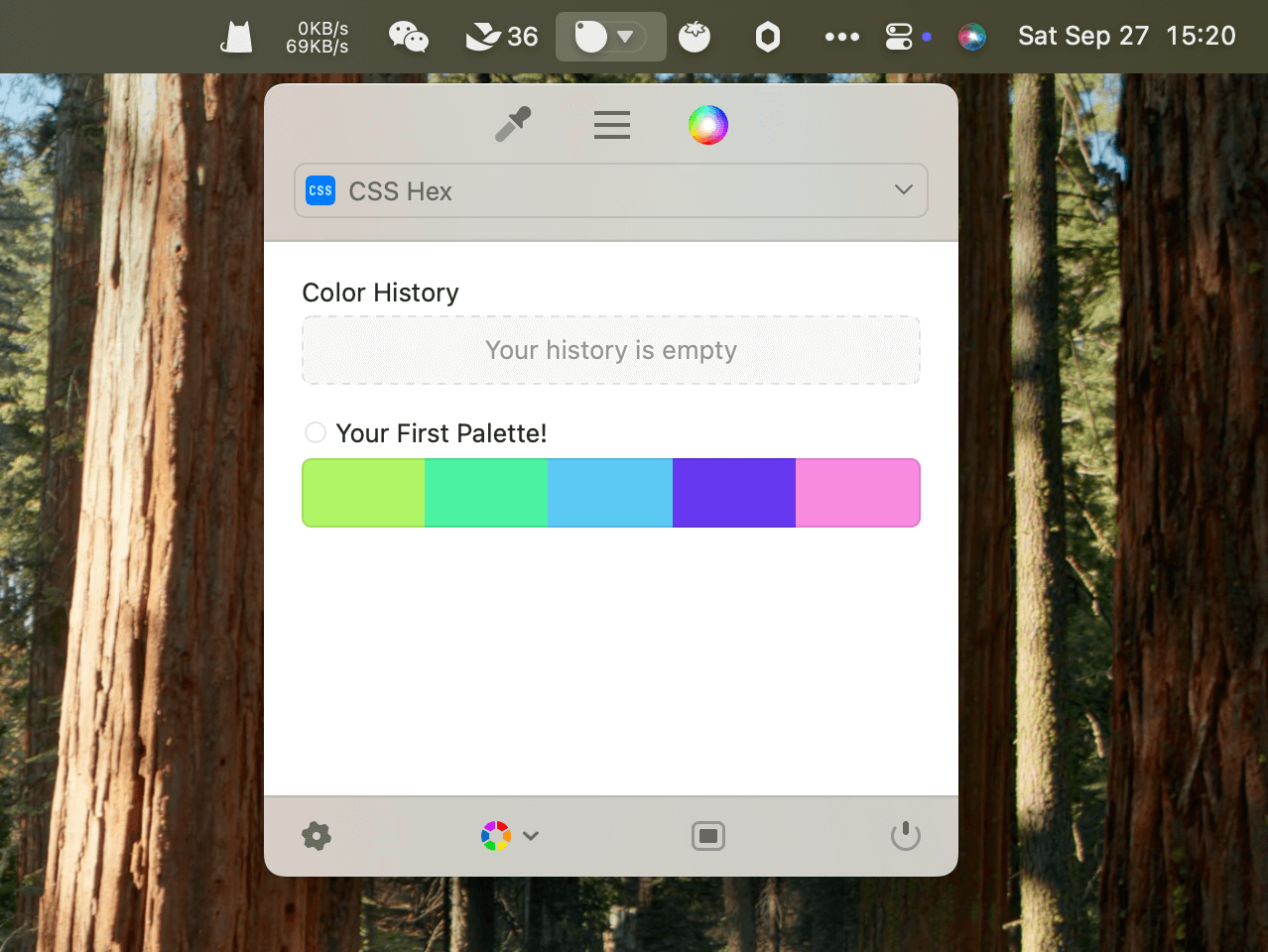
Menu Bar Integration
Sip features a thoughtfully balanced menu bar app that allows users to edit color palettes on the fly while offering essential functionality without being intrusive. This design ensures quick access to color tools without disrupting the primary workflow.
Main Window
For more advanced color and format management, Sip provides a full native app window that empowers comprehensive organizational capabilities. This interface is designed for users who need extensive color management features and detailed palette organization.
Color Dock
The Color Dock feature enables easy access to favorite colors by staying visible on any edge of the screen. This allows users to utilize their color collections without losing focus on their primary work, maintaining productivity while ensuring color consistency.
Key Features
Precise Color Picker
The application includes a new color picker that allows users to quickly and easily select any color on their screen, operating twice as fast as previous versions. Through convenient shortcuts, users can pick multiple colors, create palettes during the color selection process, and send colors directly to their preferred design tools.
Powerful Editing Capabilities
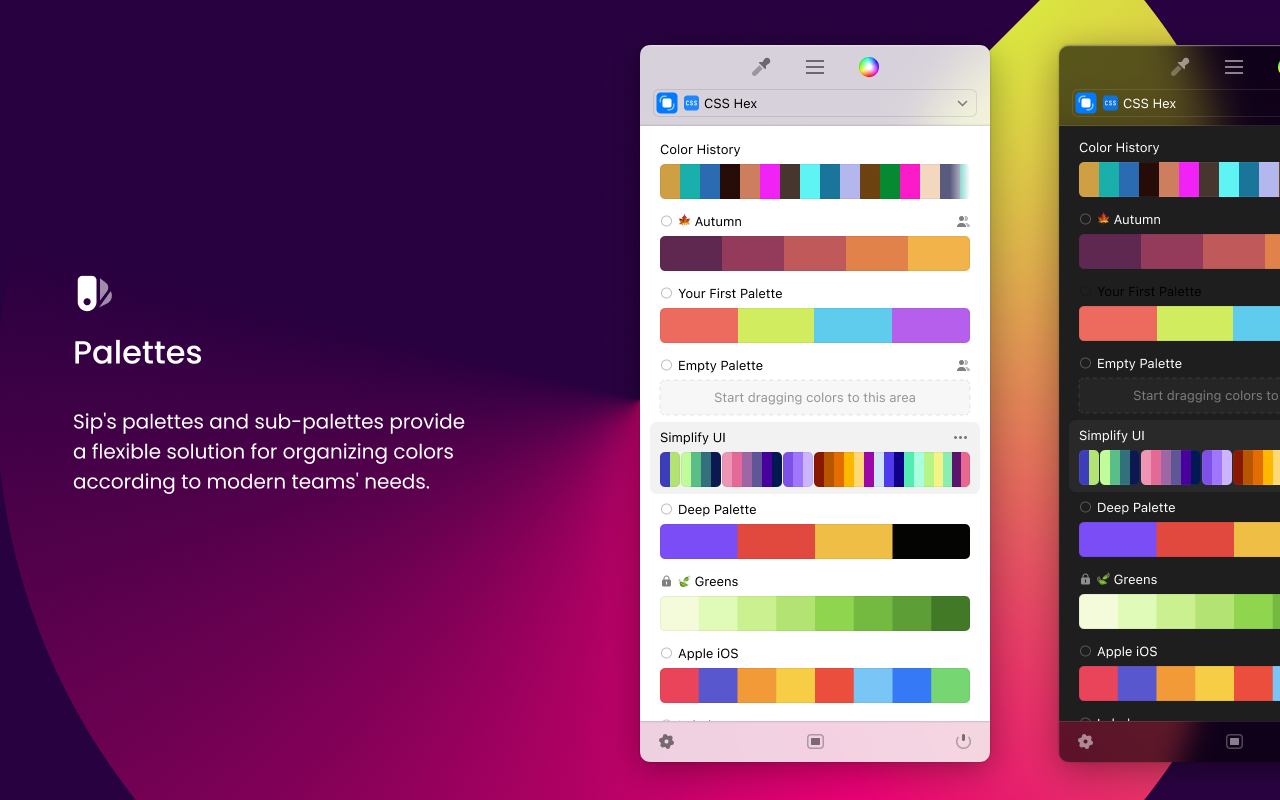
Sip's editor enables users to manage palettes, collaborate with teams, and bring perfect colors to life through an intuitive interface. The editing system is designed to be both simple and enjoyable, allowing users to add descriptions to colors, palettes, and custom formats for enhanced organization. The palette system includes sub-palettes that provide flexible solutions for organizing colors according to modern team requirements.
Custom Format Support
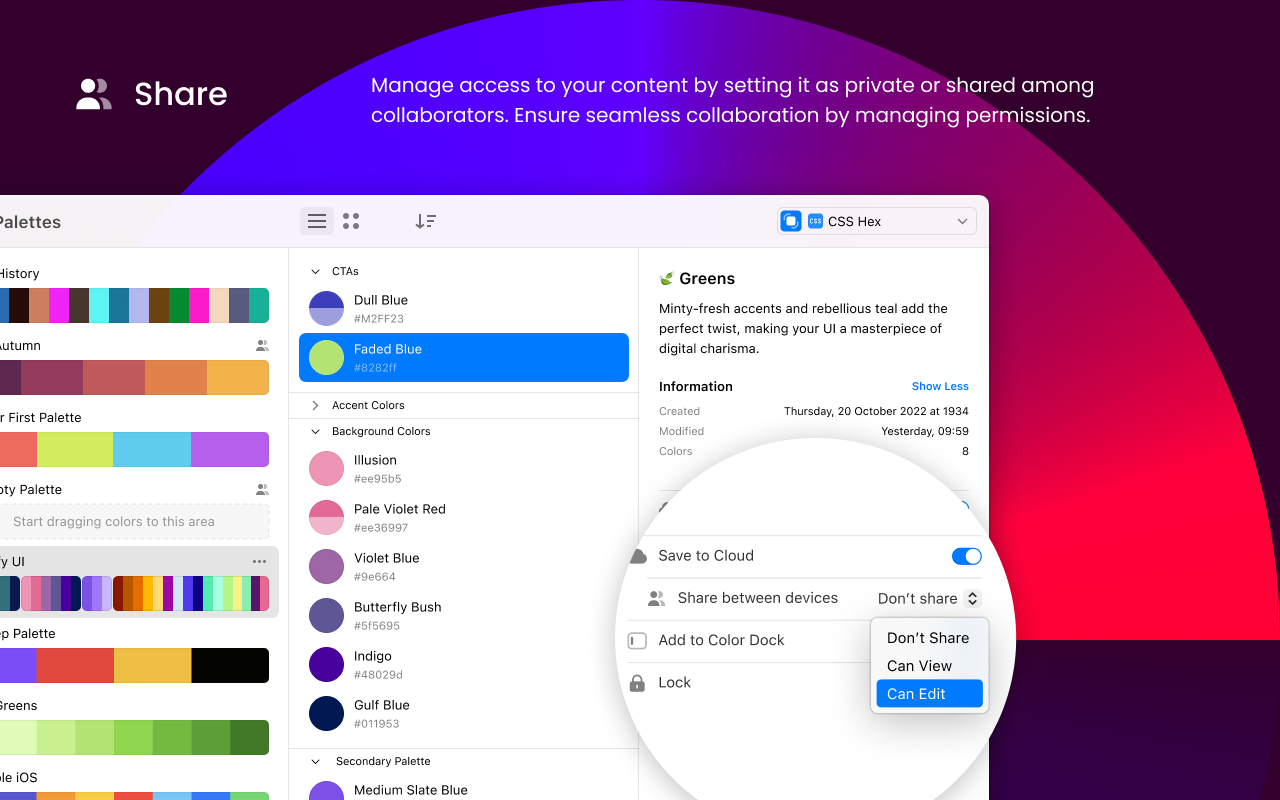
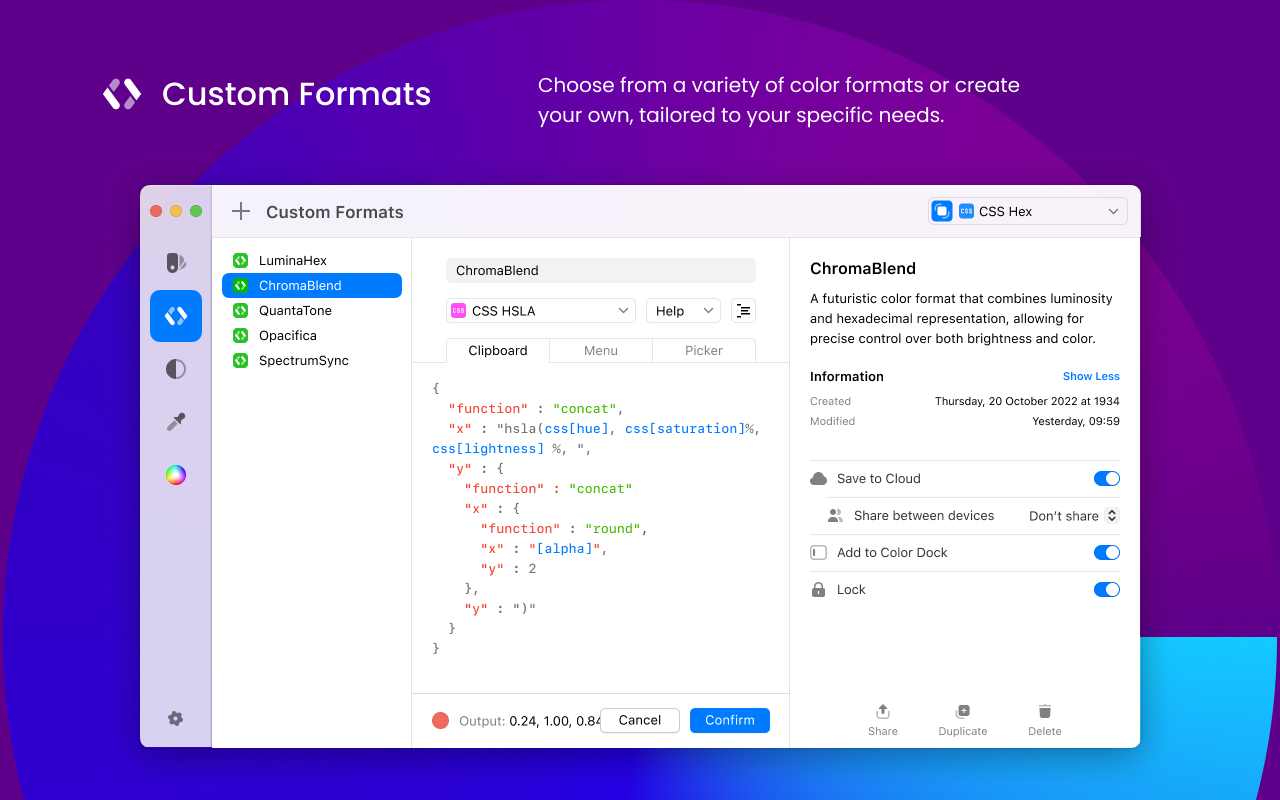
Users can choose from various color formats or create custom formats tailored to specific needs. These custom formats can be easily shared with team members or kept private for individual use, providing flexibility for different workflow requirements.
Accessibility and Design Tools
Contrast Checker
The built-in contrast checker helps make designs more accessible by identifying and improving low-contrast text and background color combinations. Users can easily fix contrast issues and save corrected colors as new palettes with a single click.
Color Vision Simulation
Sip includes accessibility features that simulate how colors appear to people with different types of color vision. Users can quickly toggle between modes like Protanopia, Deuteranopia, Tritanopia, and Achromatopsia to preview palettes in real time.
Smart Profiles
The Smart Profiles feature automatically applies the correct color profile when picking colors from different environments, eliminating mismatched colors and ensuring reliable, consistent results.
Technical Improvements
Sip has been rebuilt from scratch, resulting in a more intuitive and seamless experience with enhanced performance. Key improvements include:
- 2x Faster Performance: Retina-ready color picker with improved speed
- Enhanced Shortcuts: Better shortcuts for more intuitive control
- Improved Communication: Description features for better content communication
- Collaboration Features: Ability to share and sync content between devices
Availability and Trial
Sip offers a free trial with no credit card required, allowing potential users to explore the application's capabilities before purchase. The full version is available for $20, positioning it as an affordable professional tool for designers, developers, and creative professionals who require precise color management and team collaboration features.
Похожие приложения
Universal Color Converter
Convert Color to Code
PixelSnap
The fastest tool for measuring anything on your screen
Figma Activity Calendar
A menubar app that tracks how much time you spend in Figma
Zipic
Effortless Image Compression, Fast & Flexible