Mergly — Dev Workflow Monitor
Mergly keeps your pull requests and project issues front and center, right from your Mac menu bar. Whether you're working across GitHub, Azure DevOps, or both, Mergly gives you a clear view of what needs your attention — without switching tabs or digging through notification inboxes.
Pull Requests, Always in View
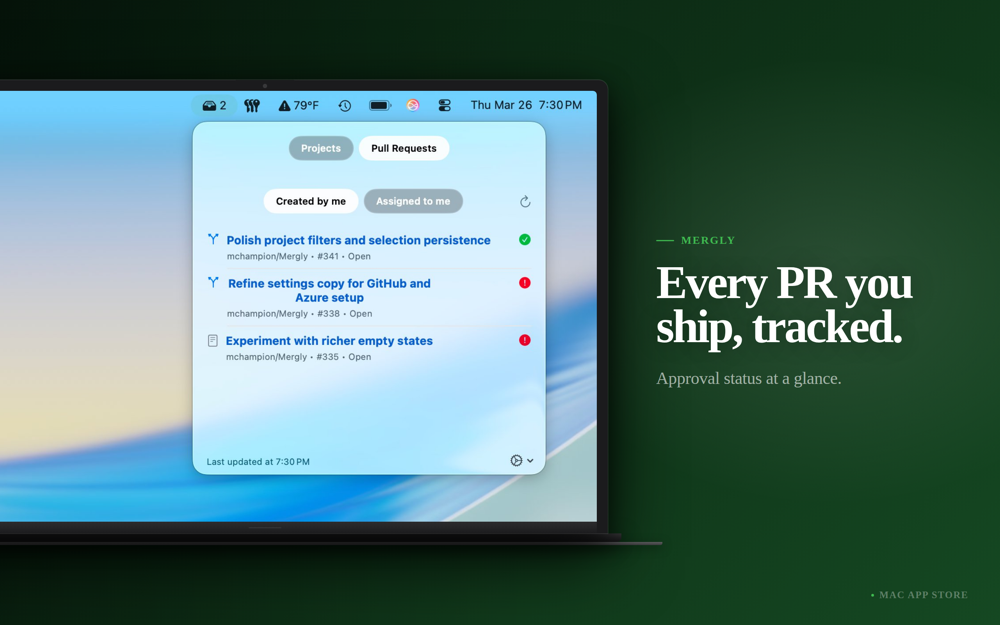
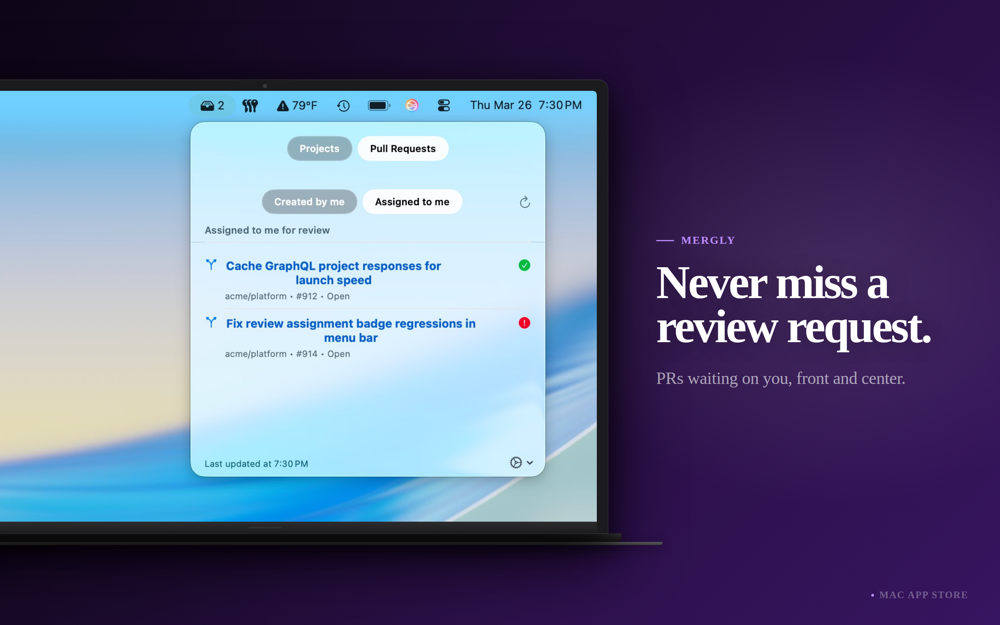
See the pull requests you've opened and those assigned to you for review, at a glance. Know instantly which PRs are approved and ready to merge, which are drafts, and which need action.
GitHub Projects & Issues
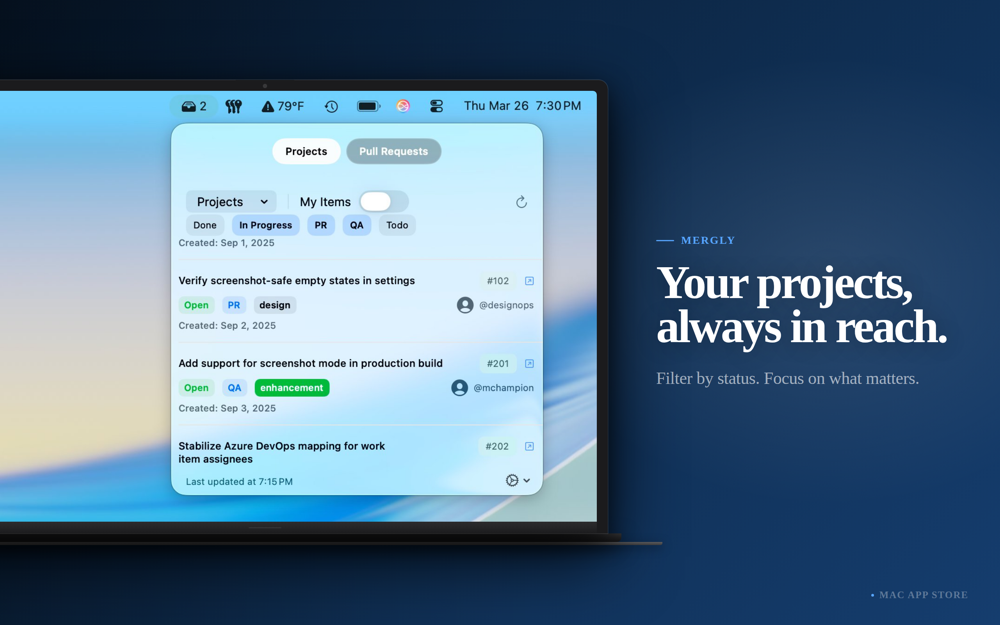
Connect your GitHub Projects and filter issues by status, assignee, or project. Whether you're managing a solo backlog or tracking work across an engineering org, Mergly surfaces what matters.
Azure DevOps Support
Mergly works natively with Azure DevOps. Connect your organization with a personal access token to monitor work items and pull requests alongside your GitHub data — unified in one place.
Stay Notified Without the Noise
Get local notifications only when something actually changes — a PR becomes ready to merge, an issue is assigned to you, or a work item enters a tracked status. Mergly's notification system uses a baseline approach so you're never spammed on launch.
Menu Bar Count Badge
Optionally display a live count next to the Mergly icon — ready-to-merge PRs, review requests, issues with blockers, or a filtered project status count. Always visible, never intrusive.
Privacy First
Your tokens are stored securely in the macOS Keychain and never leave your device. Mergly makes requests directly to GitHub and Azure DevOps — no intermediary servers, no accounts required.
Pricing
$2.99 one-time purchase on the Mac App Store.
Похожие приложения
SimCam
Your Mac's camera, live in the iOS Simulator. Test camera features without a physical device.
Mino
A lightweight, native macOS menu bar app to track GitHub releases with Homebrew integration. Built entirely with Swift and AppKit with zero dependencies.
Blink
A little robot that lives in your menu bar and keeps an eye on your running dev servers and iOS simulators
ModelHub
One hub for all LLMs. Lives on your macOS menu bar.