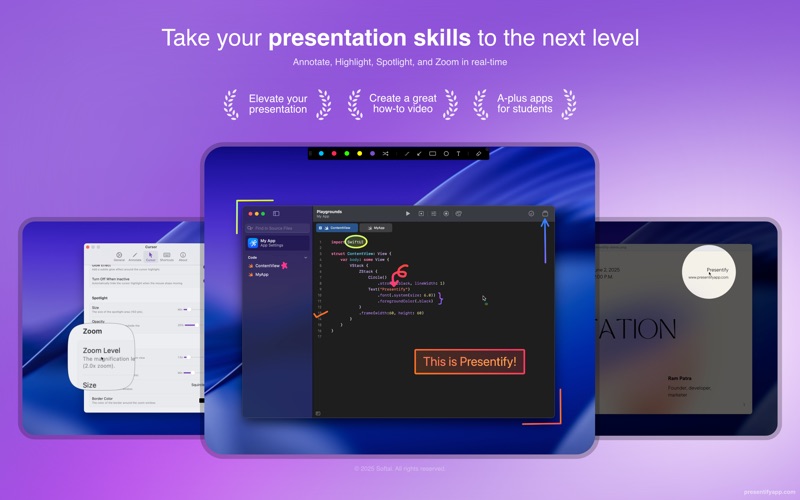
Presentify is a macOS menu bar app that helps you give better presentations, online classes, or video tutorials by letting you annotate any screen, highlight your cursor, and more.
Features
Annotation
- Draw on or annotate any screen. Select "Annotate Screen" from the menu bar and start doodling
- Multiple drawing shapes including arrows, circles, squares, lines, and text
- Draw with random gradient colors or plain colors
- Auto-erase annotations after a set time
- Draw even when other applications are running in full-screen mode
- Interactive Mode: Opens Presentify in the background, allowing annotation by pressing and holding the Fn key
- Highlighter feature lets you highlight portions of text without obscuring it
- Works on iPad connected to a MacBook via Sidecar, Astropad, or Duet
- Compatible with Keynote (even in Presentation mode)
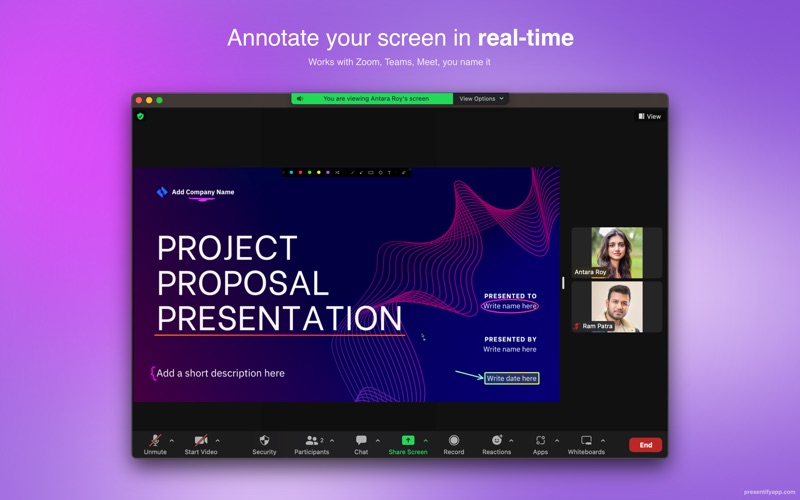
- Works with all video calling software like Zoom, Google Meet, Skype, etc.
- Works with drawing tablets like XP-Pen, Wacom, etc.
Whiteboard
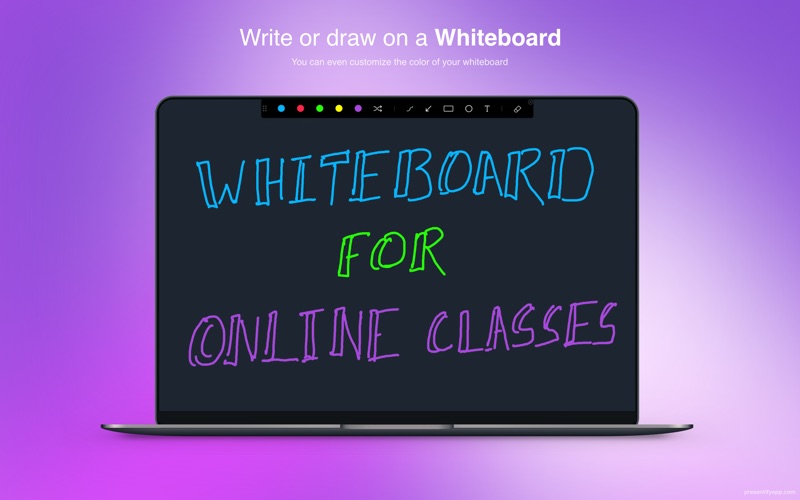
- Draw on a whiteboard instead of over other apps
- Change the whiteboard color to your preference
Cursor Highlight
- Puts a circle, squircle, or rhombus around your mouse pointer
- Customize color, opacity, size, and animation style
- Option to highlight only when moving the cursor
Spotlight
- Focus attention by dimming everything except the cursor area
- Control spotlight size and dimmed area opacity
Zoom
- Transform cursor into a magnifying glass
- Customize shape, border, and zoom level
Keyboard Shortcuts
- Start annotating, highlight cursor, change colors and shapes from any app
- Fully customizable shortcuts
Pricing
$14.99 on the Mac App Store. Also available on Setapp.
Recognition
Featured by Apple multiple times, as well as on Hacker News, Reddit, Product Hunt, and various tech blogs.
Похожие приложения
Consul
The automatic file converter for macOS. Rename to convert (yes, seriously).
TextGrabber2
Mac menu bar Copy-to-Action tool for extracting text from images using on-device OCR
KeyScreen
Display keystrokes beautifully on screen for tutorials, presentations, and recordings
Portals: URL Launcher
Menu bar app for Mac, to quickly join remote conferences and open URLs with the browser of choice