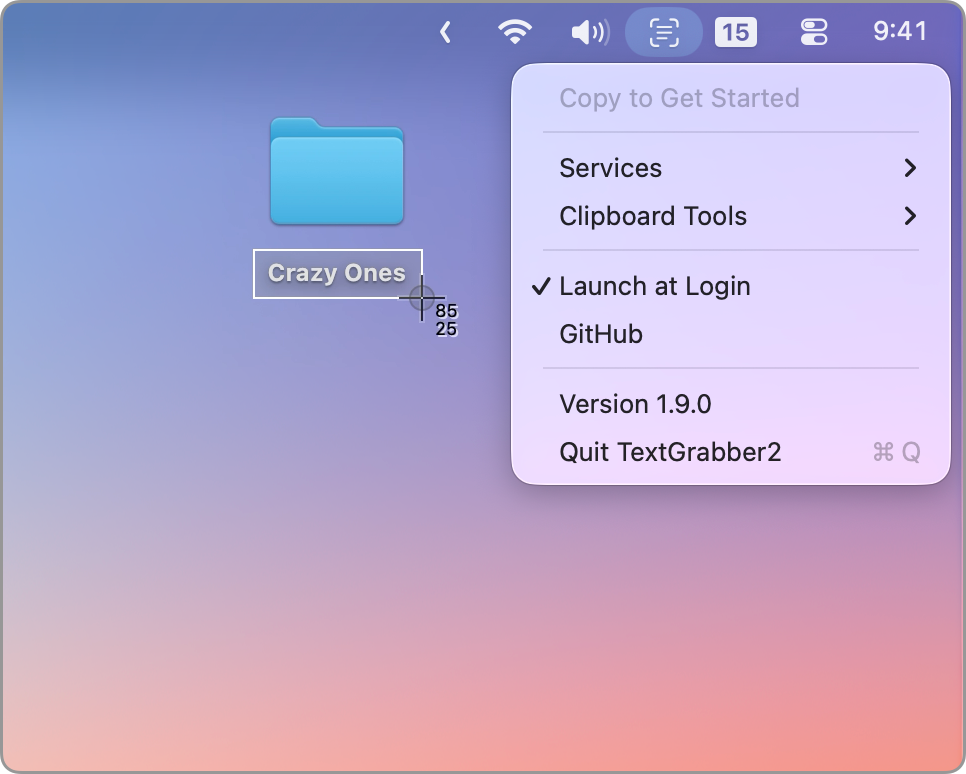
TextGrabber2 is a free and open-source "Copy-to-Action" tool that lets you extract text from copied images and seamlessly run actions.
Key Features
- Extract text from copied images - Uses Apple's built-in Vision framework for on-device OCR that is secure, fast, accurate, and free
- Run actions with system services - Connect to Apple Shortcuts you're already familiar with
- Clipboard automation - Automatically prune clipboard data using custom rules or services
- Shortcuts actions - Gain more control over your clipboard with Shortcuts actions
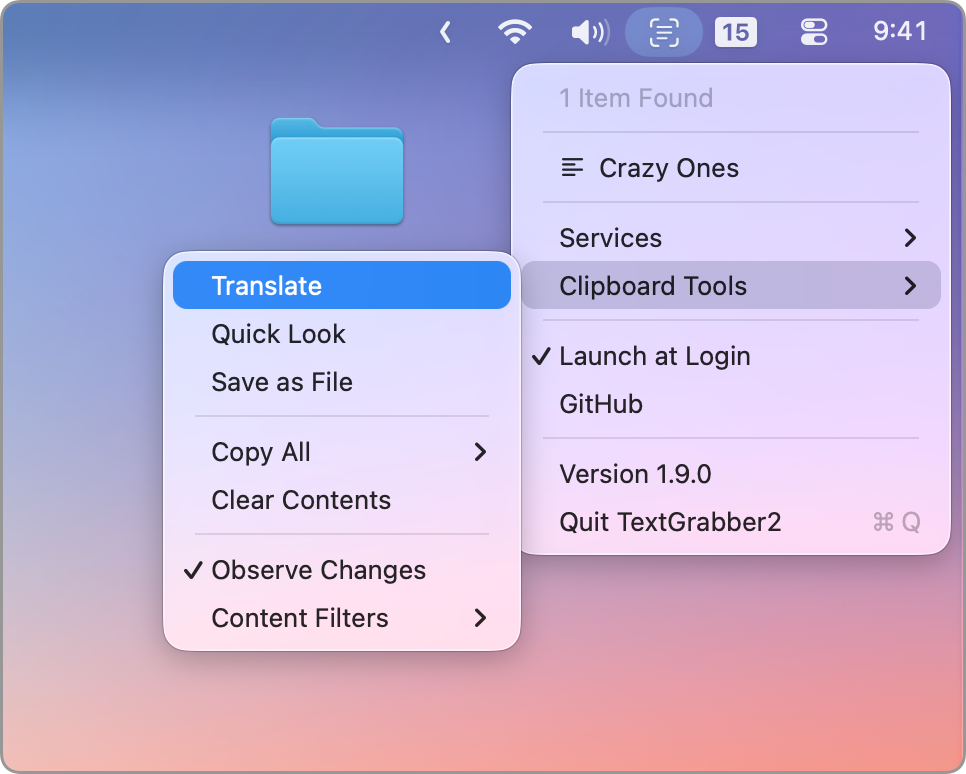
- Built-in tools - Includes Translate and Quick Look functionality
- Keyboard shortcuts support - Add key bindings for faster access to common actions
Privacy & Security
TextGrabber2 is NOT a screenshot tool, meaning it doesn't require Screen Recording or Accessibility permissions. It relies on the keyboard shortcuts you use daily (Cmd+C). The Vision framework runs entirely on-device, ensuring your data stays private.
Installation
Download TextGrabber2.dmg from the latest release, open it and drag TextGrabber2.app to Applications.
Requirements
- macOS 15.0+
Open Source
TextGrabber2 is completely free and open-source. It's simple, privacy-oriented, and beautiful.
Похожие приложения
Consul
The automatic file converter for macOS. Rename to convert (yes, seriously).
Presentify
A macOS menu bar app for screen annotation, cursor highlighting, spotlight, and zoom during presentations
KeyScreen
Display keystrokes beautifully on screen for tutorials, presentations, and recordings
Portals: URL Launcher
Menu bar app for Mac, to quickly join remote conferences and open URLs with the browser of choice