BetterTouchTool (BTT) is a powerful macOS automation and customization tool trusted by hundreds of thousands of Mac users for over 16 years.
Menu Bar Features
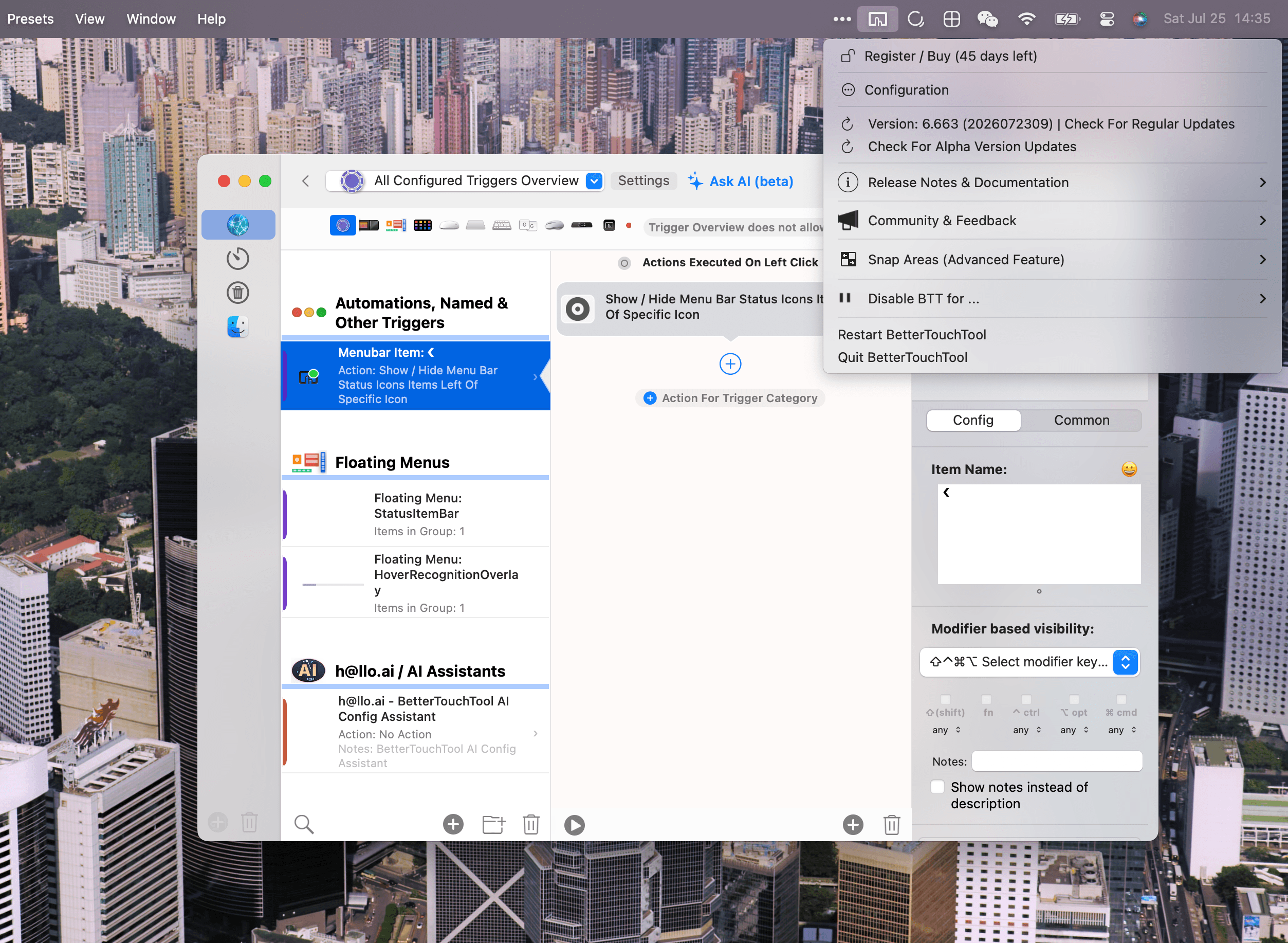
BetterTouchTool includes robust menu bar customization capabilities, allowing you to add your own menu bar items with live data and custom actions. Examples include showing the active app and switching its windows directly from the menu bar.
Key Features
- Trackpad & Magic Mouse Gestures — Map any multi-finger gesture to any action
- Mouse Buttons & Logitech — Multi-button chords, button + scroll, modifier + button
- Keyboard Shortcuts & Sequences — Global hotkeys, short/long presses, typed key sequences, and a configurable Hyper Key
- Menu Bar Customization — Add custom menu bar items with live data and actions
- Spotlight-style Launcher — Search apps, windows, files, actions, and calendar events
- Floating Menus & Widgets — Build custom on-screen menus, HUDs, and desktop widgets
- Custom AI Agents — Build agents that can do anything on your Mac with OpenAI, Anthropic, local models & more
- Smart Conditional Automations — Different actions based on active app, window, Wi-Fi, time of day
- Text-selection Actions — Floating menu appears when you select text for translation, search, or AI processing
- Native Stream Deck Support — Full native Elgato Stream Deck support with no extra software
- Scripting & Remote Control — JavaScript, AppleScript, btt:// URL scheme, built-in web server, CLI, and OSC
Trial: 45 days free trial
Похожие приложения
Consul
The automatic file converter for macOS. Rename to convert (yes, seriously).
TextGrabber2
Mac menu bar Copy-to-Action tool for extracting text from images using on-device OCR
Presentify
A macOS menu bar app for screen annotation, cursor highlighting, spotlight, and zoom during presentations
KeyScreen
Display keystrokes beautifully on screen for tutorials, presentations, and recordings