
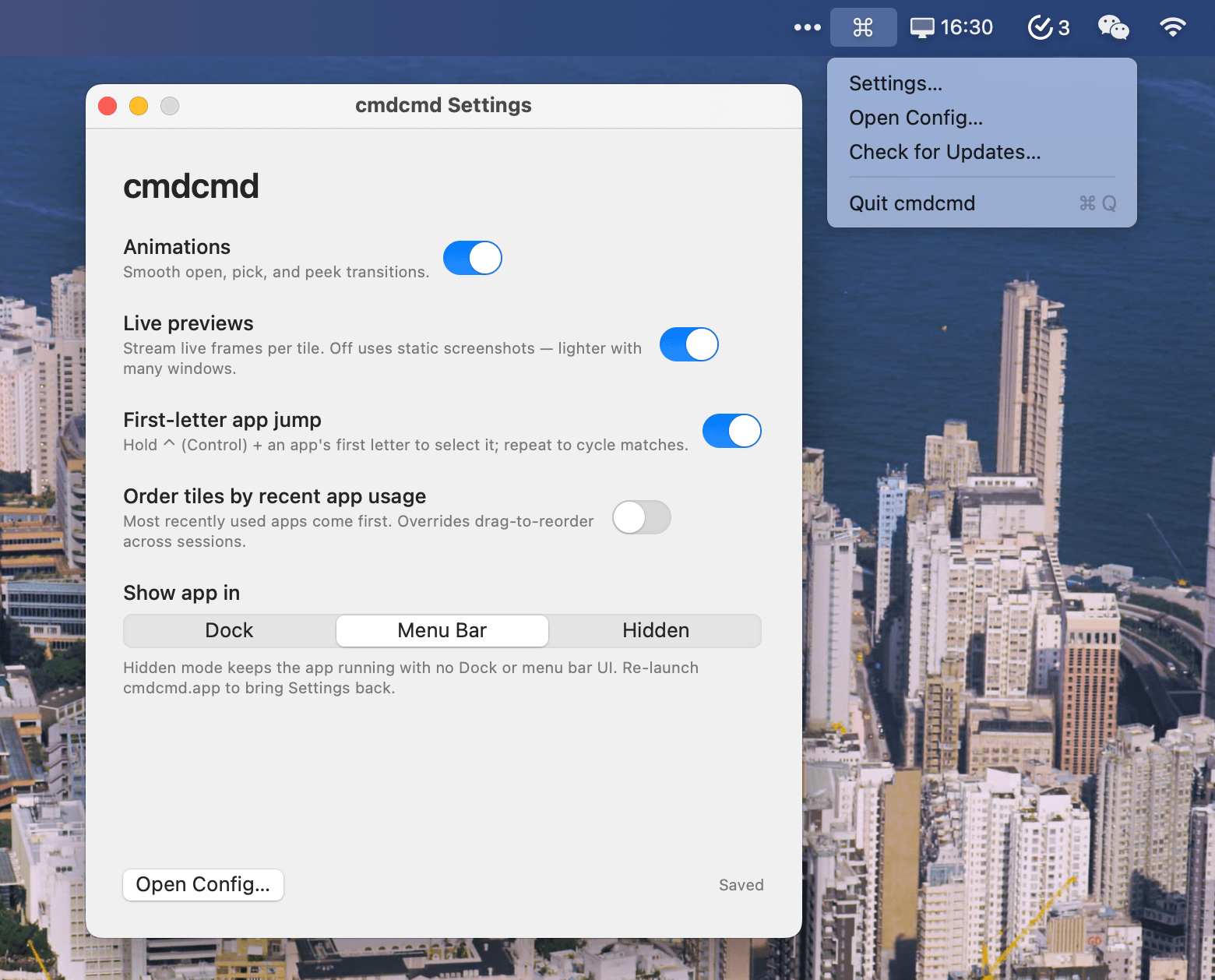
cmdcmd is a keyboard-first window switcher for macOS that lets you press both ⌘ keys at once to fan every visible window out into a grid of live previews, then jump straight to the one you want.
Features
- Dual-Command Trigger: Press left and right Command keys simultaneously to summon the overlay
- Live Window Previews: See real-time thumbnails of all your windows
- Keyboard Navigation: Use arrow keys, WASD, or number keys (1-9) to select windows
- Peek Mode: Hold space to zoom into selected tile
- Window Management: Close windows (⌘W), ignore/un-ignore windows, tag windows with colors
- Three Display Modes: Choose between Dock, Menu Bar, or Hidden mode
- Customizable Keybindings: Configure shortcuts via JSON config file
- Persistent State: Tile order and ignored windows persist per display
Display Modes
- Dock: Traditional Dock icon with right-click menu
- Menu Bar: Runs from the menu bar with system tray icon
- Hidden: No UI visible, relaunch app to access settings
Requirements
- macOS 14+
- Screen Recording permission (for live previews)
- Accessibility permission (for window management)
Open Source
cmdcmd is open source and built with Swift and ScreenCaptureKit.
Похожие приложения
Consul
The automatic file converter for macOS. Rename to convert (yes, seriously).
TextGrabber2
Mac menu bar Copy-to-Action tool for extracting text from images using on-device OCR
Presentify
A macOS menu bar app for screen annotation, cursor highlighting, spotlight, and zoom during presentations
KeyScreen
Display keystrokes beautifully on screen for tutorials, presentations, and recordings