
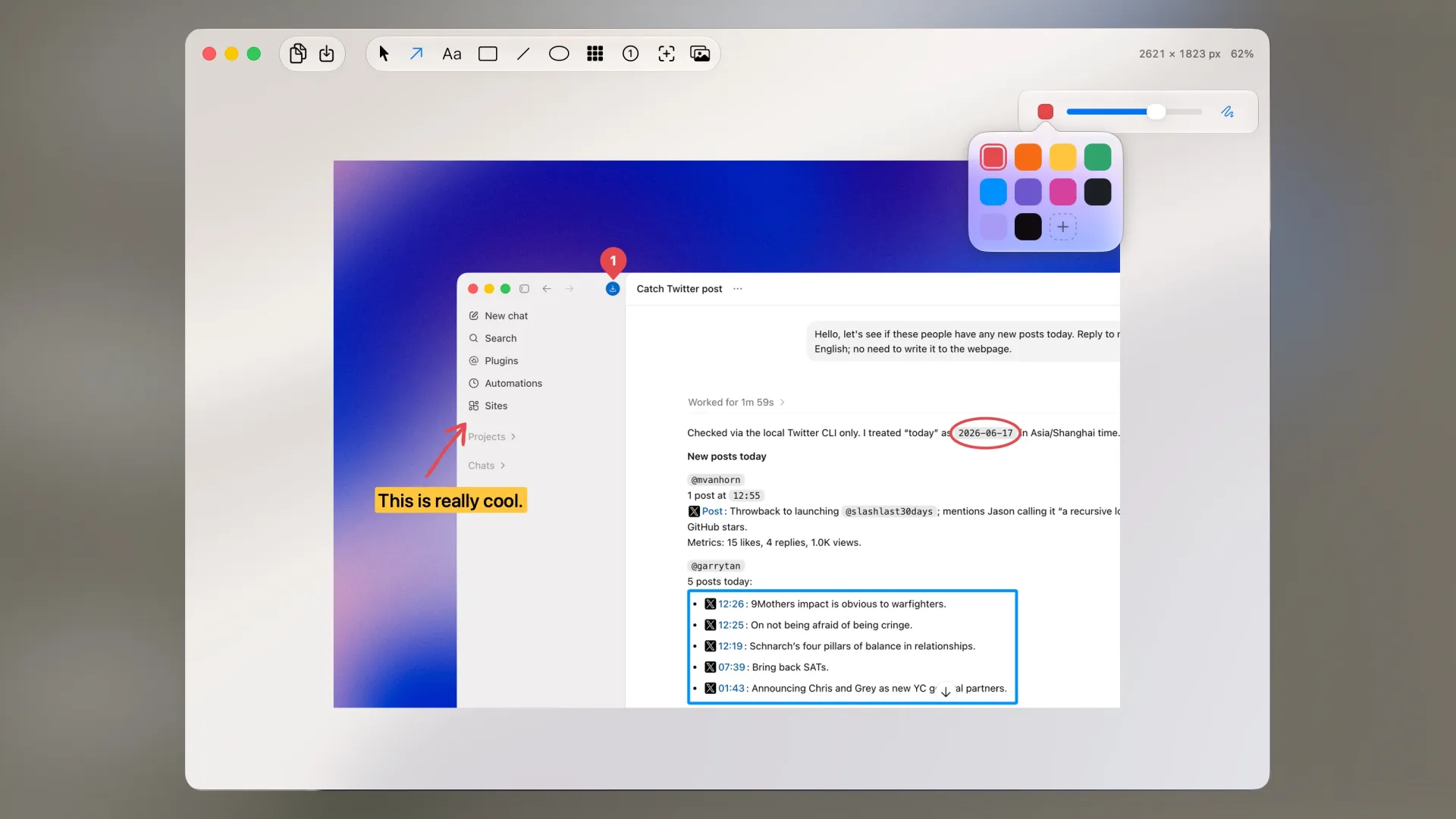
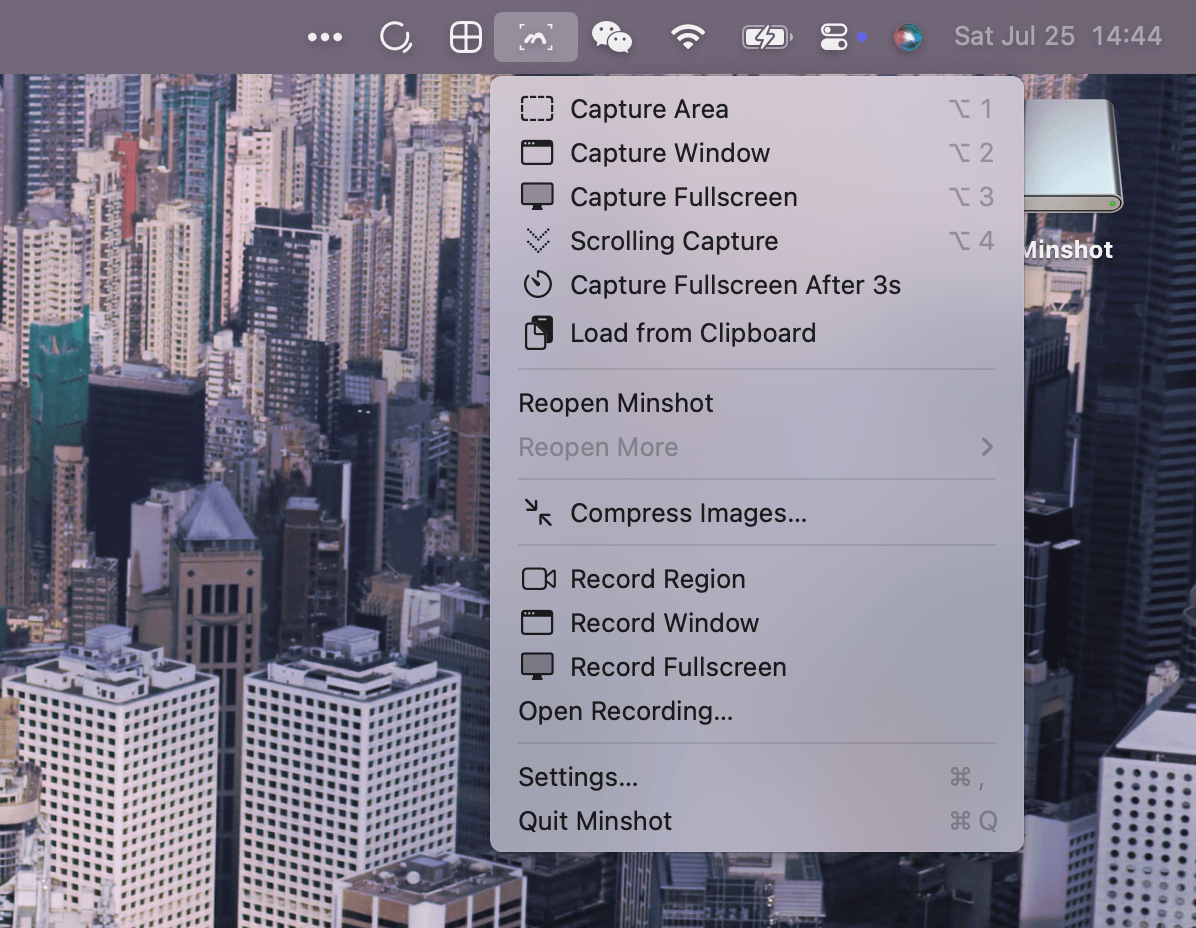
Minshot is a native macOS screenshot and screen recording tool that lives in your menu bar. It offers a clean, focused experience for capturing, annotating, and beautifying screenshots.
Key Features:
- Screenshots — Capture regions, windows, or the entire screen with customizable shortcuts (⌥1 / ⌥2 / ⌥3).
- Screen Recording — Record any region, window, or full screen. Add microphone audio and webcam overlay with virtual backgrounds.
- Annotation Tools — Arrows, text, boxes, ellipses, lines, blur effects, numbering, handwritten-style text, and a magnifier tool.
- Beautiful Backgrounds — Frame screenshots with solid colors, wallpapers, or device mockups (including iPhone 17 Pro).
- Image Stitching — Combine multiple screenshots into one image.
- Scrolling Screenshots — Capture long scrolling pages by selecting a region and scrolling.
- Recent History — Revisit and re-edit your last 10 screenshots with editing state preserved across restarts.
- Image Compression — Convert and compress images to WebP, JPEG, or PNG directly from the menu bar, including batch processing.
- Local Subtitles — Auto-generate subtitles from recordings entirely on-device, with editable text and timing.
- Video Editing — Crop, scale, change speed, add backgrounds, and annotate videos with a timeline-based editor.
Pricing:
- Free — All core features with a limit of 5 screenshots per day.
- Pro — $4.99 one-time purchase for unlimited screenshots, no upgrade reminders, and activation on up to 2 Macs.
Minshot is crafted by independent developer Zayn Hao and receives frequent updates with new features and refinements.
Похожие приложения
Consul
The automatic file converter for macOS. Rename to convert (yes, seriously).
TextGrabber2
Mac menu bar Copy-to-Action tool for extracting text from images using on-device OCR
Presentify
A macOS menu bar app for screen annotation, cursor highlighting, spotlight, and zoom during presentations
KeyScreen
Display keystrokes beautifully on screen for tutorials, presentations, and recordings