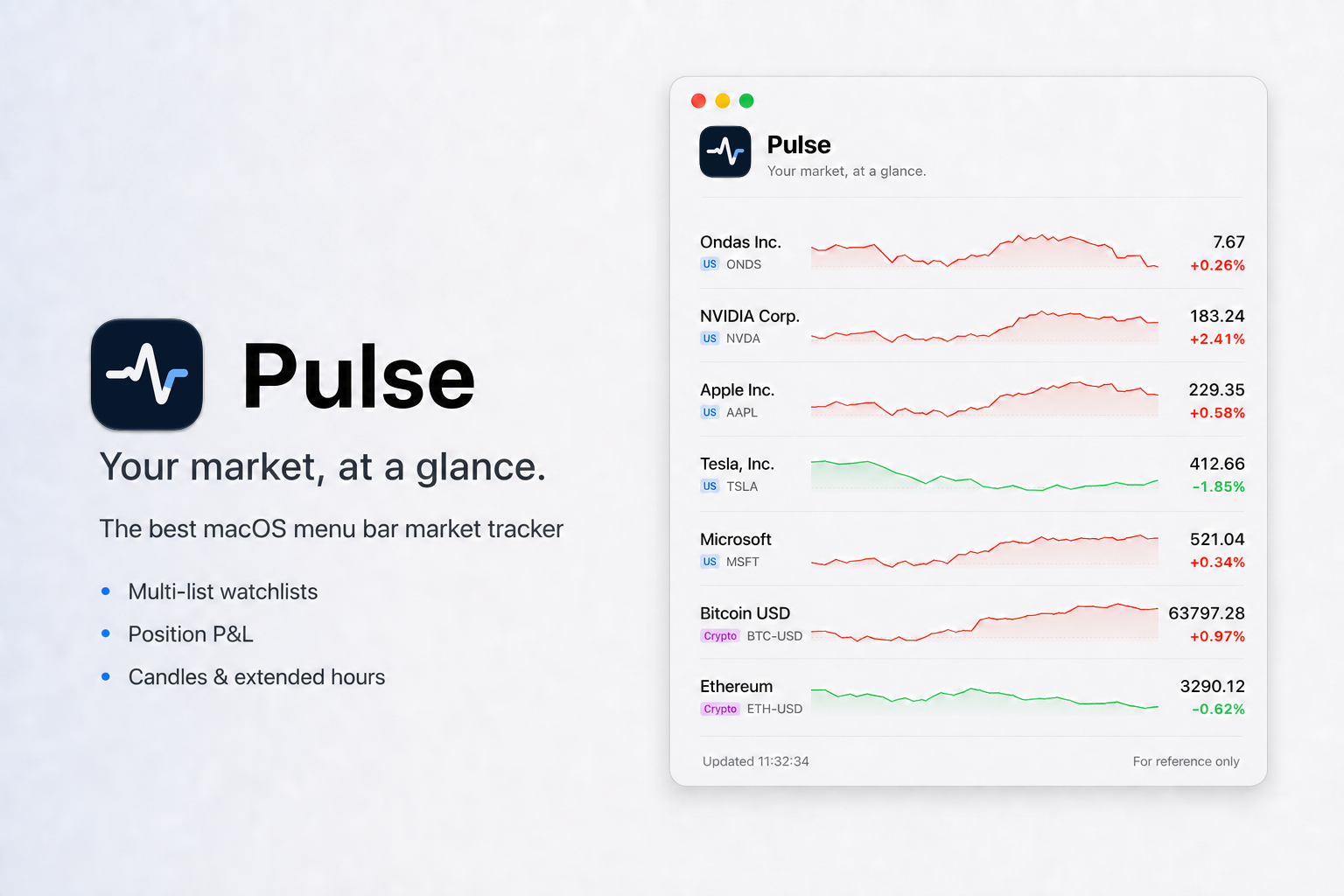
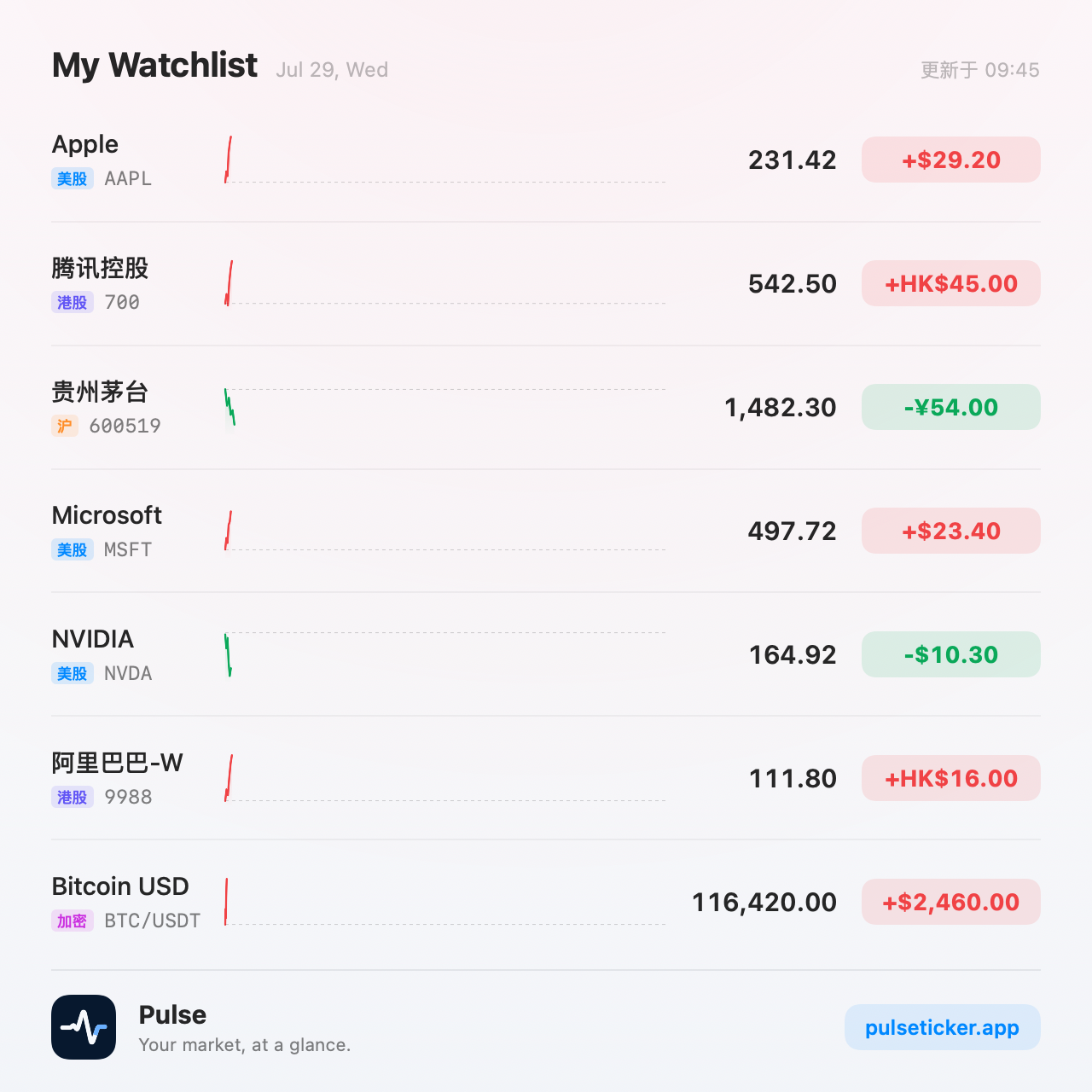
Pulse is a lightweight macOS menu bar market tracker that puts the prices, trends, and position performance you care about right in your menu bar — from pre-market to after hours, without leaving what you're working on.
Key Features
- Menu Bar Ticker: Icon-only by default for discretion, or optionally show quotes as a pinned single symbol
- Multi-List Watchlists: Organize symbols into named lists and switch from the list bar on top — drag to reorder, jump with ⌘1–9, and point the menu-bar ticker at any list
- Position P&L: Add cost and quantity, then click any value to flip the whole list between change, today's P&L, and total P&L
- True Candlesticks: Candles with precisely aligned volume, wheel zoom, and horizontal browsing — plus 5-minute, 15-minute, 30-minute, and 1-hour resolutions
- Extended Hours Built In: US intraday covers 04:00–20:00 ET. Pre- and post-market sessions render as gray wings with clear 9:30 / 16:00 boundaries
- Smart Data Routing: Providers are routed per market, cached to reduce duplicate requests, and fail over automatically when one is rate-limited or down
- Crypto Support: Cryptocurrency search, quotes, and charts use Binance Spot public market-data endpoints, with locally cached 24-hour symbol catalog and 1-second WebSocket ticker updates
- Multi-Language: Follows the system language when possible, with manual switching between English, Simplified Chinese, and Japanese
Data Sources
Pulse routes market data per provider:
- US Stocks: Yahoo Finance
- China A-Shares & HK Stocks: Tencent / Longbridge (optional custom connection)
- Crypto: Binance Spot
Installation
Download the latest .dmg from GitHub Releases, open it, and drag Pulse.app to Applications before launching.
Pulse is open source under the MIT license.
Похожие приложения
Consul
The automatic file converter for macOS. Rename to convert (yes, seriously).
TextGrabber2
Mac menu bar Copy-to-Action tool for extracting text from images using on-device OCR
Presentify
A macOS menu bar app for screen annotation, cursor highlighting, spotlight, and zoom during presentations
KeyScreen
Display keystrokes beautifully on screen for tutorials, presentations, and recordings